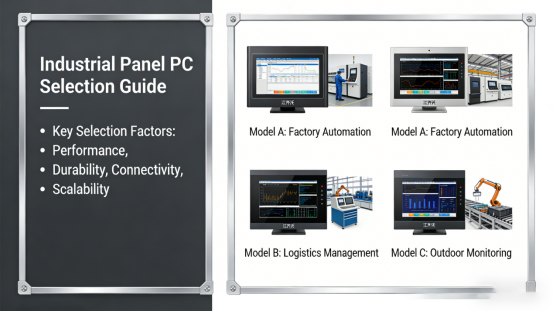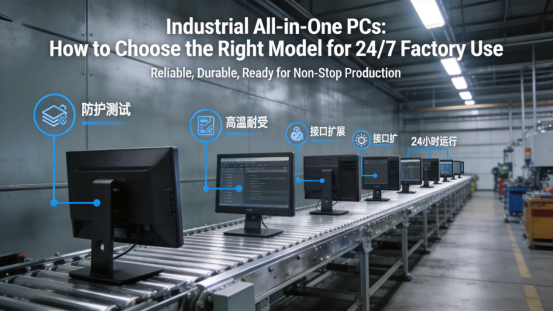
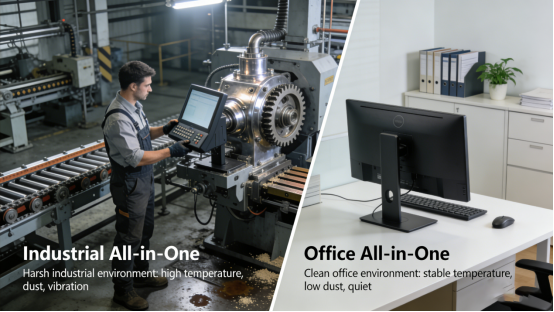
For engineers, maintenance teams, and purchasing staff in industrial automation, choosing a stable, reliable industrial all-in-one PC is critical to ensuring uninterrupted production line operation. Unlike standard office all-in-one computers—designed for clean, stable indoor use—industrial-grade models must withstand harsh factory conditions: heavy dust, constant mechanical vibration, unstable power supplies, and years of 24/7 continuous operation. Many industrial professionals have learned this through costly unplanned downtime from mismatched or substandard equipment, making practical, case-backed selection guidance invaluable for avoiding losses and boosting efficiency.
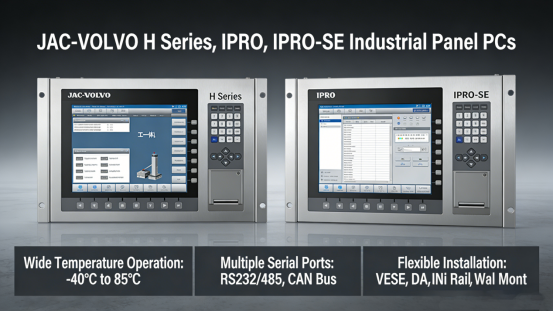
Jiangxi Qiwo’s industrial all-in-one PCs (H Series, IPRO, IPRO-SE) are engineered specifically for these harsh industrial environments. All specifications strictly align with the company’s official product manual, including wide-temperature operation, diverse serial port configurations, flexible installation methods, and long-term durability. This article offers step-by-step practical selection tips, paired with real on-site cases from various industrial fields, to help you avoid common mistakes and choose a model that fits your actual working environment and operational needs.
What Makes Industrial All-in-One PCs Different
Industrial all-in-one PCs integrate a high-definition display, sensitive touch panel, industrial-grade mainboard, and functional ports into a compact unit. This design saves space in control cabinets and on production lines, reduces complex wiring (minimizing wiring errors and connection failures), and eliminates compatibility issues common with separate monitors and hosts. For embedded control cabinets, automated production lines, and on-site monitoring stations—where space and reliability are critical—this integrated design is far more practical and reliable than standard office equipment.
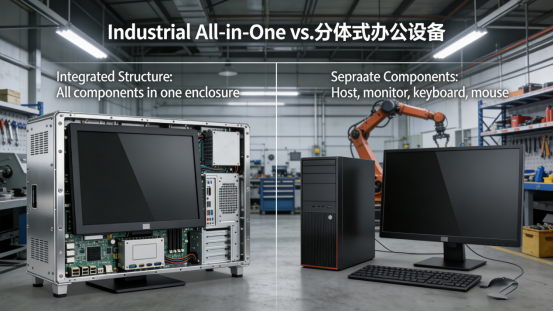
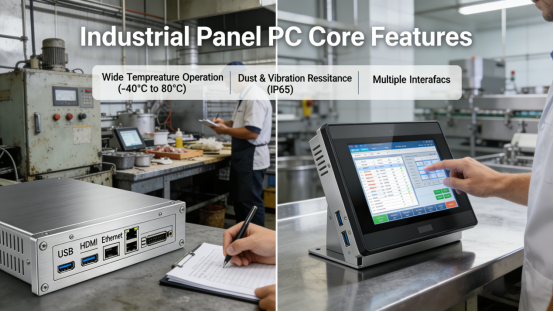
Key industrial-grade features include a wide operating temperature range, dust/vibration resistance, multiple COM ports for device connection, dual LAN ports for stable network transmission, and a stable wide-voltage power input. Together, these features ensure 24/7 continuous operation without crashes, freezes, or failures in tough factory settings. A real case illustrates this: a Jiangxi food processing plant initially used office all-in-one PCs for production line monitoring and data recording. Within three months, heavy dust and summer temperature fluctuations (reaching 55℃) caused frequent crashes, leading to 8 hours of unplanned downtime and nearly 100,000 yuan in direct losses. After consulting Jiangxi Qiwo’s technical team and switching to IPRO series industrial all-in-one PCs (supporting -10°C to 60°C and industrial-grade dust-proofing), the equipment has run stably for 18 months with zero failures, fully resolving downtime issues.
How to Choose Based on Your Actual Working Scene
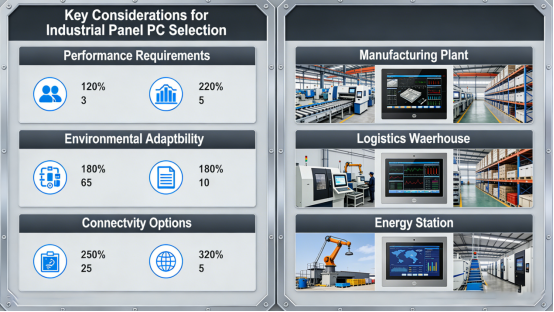
Before selecting an industrial all-in-one PC, confirm three core conditions based on your scenario: your working environment (temperature, dust, vibration), the number/type of ports needed for equipment connection, and the most suitable installation method for your on-site layout. These factors directly determine long-term reliability, avoiding early failures and unnecessary maintenance costs. Below are real, typical cases from different industries to help you apply these selection principles.
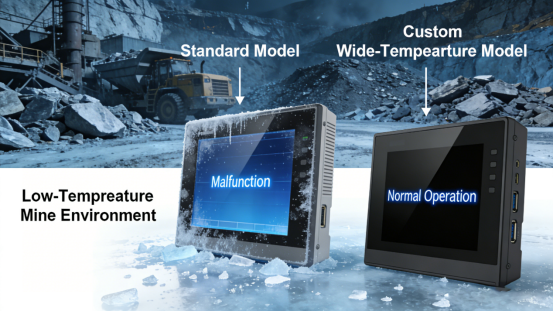
If your workshop has large temperature changes or operates in extreme conditions, prioritize the industrial all-in-one PC’s operating temperature range. Most standard models support -10°C to 60°C, covering most indoor production environments. For outdoor or extremely cold northern sites, wider temperature customization is available. A northern Chinese mining company needed an outdoor monitoring station PC, where winter temperatures drop to -15°C. Initially, a standard model (0°C to 50°C) frequently failed to start. After switching to a customized Jiangxi Qiwo H Series model (-20°C to 60°C, per the product manual), the device operated stably in extreme cold, ensuring 24/7 monitoring and improving mining safety and efficiency.
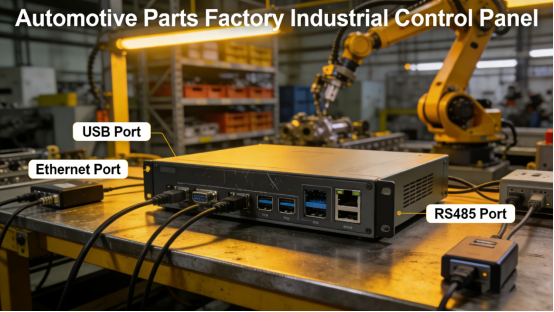
For equipment connection and data transmission, confirm the number of serial ports needed based on your devices. Most industrial all-in-one PCs support RS232/RS485 ports—widely used for PLCs, sensors, and industrial instruments. Dual LAN ports are highly recommended for automated production lines, where data loss or network interruptions cause serious errors. A Guangdong automotive parts plant uses Jiangxi Qiwo’s IPRO-SE series to control its assembly line, requiring 6 RS485 ports and dual LAN ports to connect 8 sensors, 3 PLCs, and 2 printers. The IPRO-SE series (matching these requirements per the manual) ensures stable data transmission, reducing errors. Previously, a 2-port model forced external expansion modules, increasing costs and causing frequent failures; upgrading to IPRO-SE eliminated issues and boosted line efficiency by 15%.
Installation method directly impacts operational convenience and device lifespan. Embedded installation is ideal for control cabinets (saving space and protecting the device), while wall-mounted/cantilever types suit on-site operation panels. Choosing the wrong style causes inconvenience and potential damage. A Zhejiang machinery factory incorrectly used a wall-mounted PC for its control cabinet, forcing a mismatched installation that damaged the interface and caused frequent failures. After switching to Jiangxi Qiwo’s embedded H Series model (size-matched per the manual), the device fit perfectly, avoiding damage and reducing maintenance costs by 30% within a year.
Common Mistakes That Shorten Service Life
Many industrial all-in-one PC failures stem from incorrect selection, not poor quality—leading to downtime, higher maintenance costs, and reduced efficiency. Below are real cases highlighting common pitfalls to avoid.
Using office all-in-one PCs in industrial environments is a costly mistake—they can’t withstand dust, high temperatures, or vibration. As the Jiangxi food plant learned, this causes rapid overheating, screen damage, or interface failure. A Shandong casting workshop used office PCs for control, where 60℃ temperatures and heavy dust caused frequent overheating (CPU temps exceeding 90℃) and fan blockages. Replacing them with Jiangxi Qiwo’s industrial models—equipped with industrial cooling and dust-proofing—resolved issues, extending device lifespan to over 5 years and cutting replacement costs.
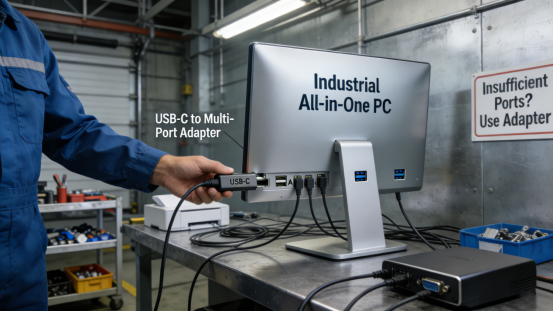
Ignoring port requirements forces external adapters, increasing costs and reducing stability. A Jiangsu smart warehouse initially used a 3-port industrial PC but needed to connect 5 RFID readers and 2 barcode scanners. Adapters caused frequent disconnections, inaccurate inventory (92% accuracy), and delayed logistics. Switching to Jiangxi Qiwo’s 8-port IPRO series (per the manual) eliminated adapters, stabilized data transmission, and boosted inventory accuracy to 99.8%.
Prioritizing initial cost over durability leads to higher long-term expenses. A Fujian electronics factory chose a low-cost non-industrial PC to save money, but it failed every 2–3 months (unable to withstand dust/vibration), causing downtime and 50,000 yuan in annual losses. Switching to Jiangxi Qiwo’s cost-effective H Series industrial PC—designed for long-term industrial use—ensured 2 years of stable operation, cutting total ownership costs by 60%.
Final Practical Advice
The best industrial all-in-one PC isn’t the most expensive—it’s the one that matches your environment, connection needs, and installation requirements. Real cases show that selecting based on the product manual and on-site conditions avoids costly failures, reduces downtime, lowers maintenance costs, and boosts production efficiency for your enterprise.
By confirming your site’s temperature range, required ports, installation method, and compatibility with existing equipment, you can select a stable, durable industrial all-in-one PC for uninterrupted production. Jiangxi Qiwo’s H Series, IPRO, and IPRO-SE models offer standardized and customizable solutions for diverse industrial scenarios—proven by the cases above—helping solve production challenges, improve efficiency, and reduce operational costs.
This article provides objective, practical selection guidance based on Jiangxi Qiwo’s official product manual, industrial application experience, and real on-site cases. Free of promotions, exaggerations, or sales pitches, it offers honest, actionable advice for engineers, maintenance teams, and purchasing staff to make informed choices and avoid costly selection mistakes.