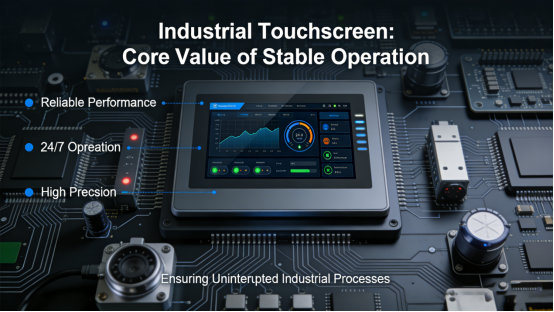
For industrial control engineers, equipment purchasers, and maintenance teams, industrial touch screens are the core interaction interface between operators and industrial equipment. Yet frequent touch failures—unresponsive touches, poor light transmittance, short service life, or incompatibility with industrial software—plague many projects. These issues rarely stem from subpar product quality, but from choosing a touch screen misaligned with your equipment’s working environment and operational needs—easily avoidable with targeted guidance.
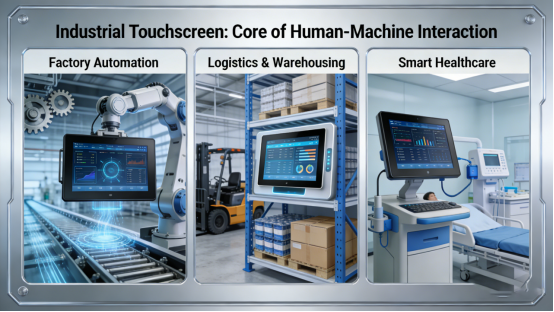
Unlike consumer-grade touch screens in smartphones or tablets, industrial touch screens are engineered to withstand harsh industrial scenarios—constant operation, dust, vibration, and temperature fluctuations. As a core product of Jiangxi Qiwo Electronics, its industrial touch screens (QW-DR projective capacitive screens and QW-DZ resistive touch screens) adhere strictly to product manual specifications, covering a wide range of sizes and functional configurations to fit industrial control, medical equipment, POS systems, and embedded industrial devices.
This article offers objective, practical guidance rooted in Jiangxi Qiwo’s product manual and real-world industrial application experience. Free of exaggerated promotions or sales pitches, it focuses on helping you choose the right industrial touch screen for your equipment and scenario—ensuring stable operation, reducing maintenance costs, and boosting operational efficiency.
What Makes Industrial Touch Screens Different from Consumer-Grade Ones?
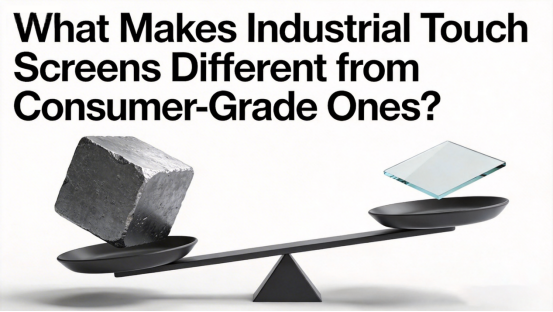
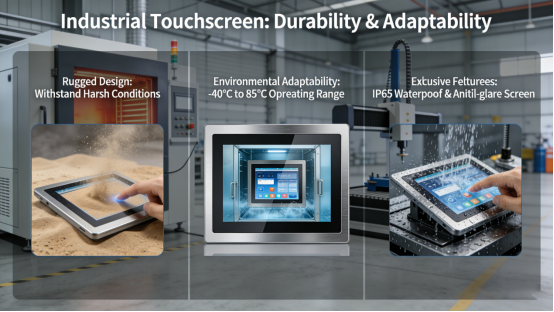
Industrial touch screens are far more than “enhanced consumer touch screens”—they are specialized components tailored to the unique demands of industrial environments. Their key advantages—durability, stability, and adaptability—are clearly defined in Jiangxi Qiwo’s product manual, setting them apart from consumer-grade alternatives that can’t withstand industrial conditions.
Industrial equipment often runs 24/7, so industrial touch screens must endure long-term continuous use without performance degradation. Jiangxi Qiwo’s QW-DR projective capacitive screens, for example, boast a touch life of 30 million to 100 million times, while QW-DZ resistive touch screens meet strict industrial standards for durability—far exceeding consumer touch screens designed for intermittent daily use.
Environmental adaptability is another key distinction. Industrial workshops are often dusty, humid, or prone to temperature swings, and industrial touch screens must resist these factors to maintain performance. Jiangxi Qiwo’s touch screens feature high surface hardness (≥6–7H for QW-DR models), preventing scratches from industrial tools or dust, while their wide operating temperature range (-20~70℃ for QW-DR) ensures stable operation in both hot and cold workshop environments—something consumer touch screens, designed for indoor, room-temperature use, cannot match.
Functionality is also tailored to industrial needs. QW-DR projective capacitive screens offer fast response times (≤7–10ms) and high light transmittance (≥88%–90%), ensuring clear display and smooth operation even during high-speed industrial control tasks. QW-DZ resistive touch screens, meanwhile, support glove and stylus operation—critical for medical settings, POS systems, or industrial scenarios where operators wear protective gear or need precise input. Both series support standard interfaces (I2C/USB for QW-DR) to seamlessly integrate with PLCs, industrial all-in-one PCs, and other industrial equipment.
How to Match an Industrial Touch Screen to Your Equipment and Scenario
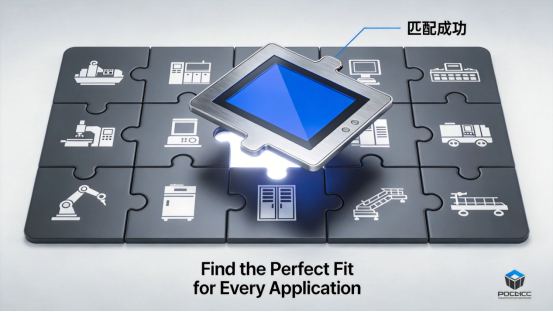
Selecting the right industrial touch screen isn’t about choosing the most advanced or expensive model—it’s about aligning its specifications with your equipment’s requirements, working environment, and operational habits. Guided by Jiangxi Qiwo’s product manual and real-world application experience, the focus is on practicality over technical jargon, ensuring you select a touch screen that delivers long-term stability.
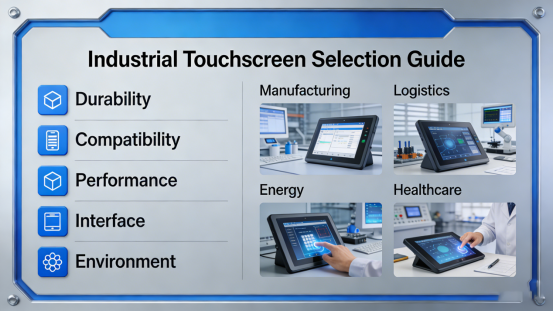
Start by choosing between capacitive and resistive touch screens, as the two types are designed for distinct scenarios. Jiangxi Qiwo’s QW-DR projective capacitive screen is perfect for high-speed industrial control panels, smart industrial equipment, and high-end embedded devices—its fast response time (≤7–10ms) and high light transmittance (≥88%–90%) ensure clear display and smooth operation, even in well-lit workshops. Its 6–7H surface hardness also protects against scratches, a common issue in dusty industrial environments.
For scenarios requiring glove or stylus operation—such as medical equipment, POS systems, or industrial embedded devices where operators wear protective gear—the QW-DZ resistive touch screen is the better choice. Its four-wire or five-wire design supports precise input with gloves or styluses, and while its response time (≤18–20ms) is slightly slower than capacitive models, it meets the needs of most low-speed industrial operations. Its light transmittance (≥78%–80%) is sufficient for indoor industrial scenarios, and its durability ensures long-term reliable use.
Size selection, guided by Jiangxi Qiwo’s product manual, should align with your equipment type. For compact embedded devices or small control panels, opt for smaller sizes (3.5 inches for QW-DZ, 4.3 inches for QW-DR) to save space while maintaining functionality. For industrial control panels or equipment requiring clear display of multiple data points, larger sizes (15.6–32 inches for QW-DR, 15–22 inches for QW-DZ) are more suitable, ensuring operators can easily view and interact with the interface.
Interface compatibility is critical—an incompatible touch screen will be useless, no matter how durable it is. Jiangxi Qiwo’s QW-DR capacitive screens support I2C/USB interfaces, widely compatible with most industrial control systems, PLCs, and industrial all-in-one PCs. Before selecting a model, cross-reference the product manual with your equipment’s interface specifications to avoid integration failures that lead to costly rework or replacement.
Environmental factors should also guide your choice. If your equipment operates in a dusty or high-temperature workshop, prioritize the QW-DR capacitive screen’s wide temperature range (-20~70℃) and high surface hardness to ensure durability. For humid environments—such as food processing or medical settings—ensure the touch screen has appropriate protection (consistent with Jiangxi Qiwo’s product manual) to prevent water damage. For medical or food processing environments, choose a touch screen with a smooth, easy-to-clean surface to maintain hygiene standards.
Common Missteps to Avoid When Choosing Industrial Touch Screens
Even with clear guidance, many professionals make avoidable mistakes when selecting industrial touch screens—errors that lead to equipment malfunctions, operational delays, and unnecessary costs. These missteps often stem from overlooking practical needs or prioritizing the wrong features, rather than product quality.
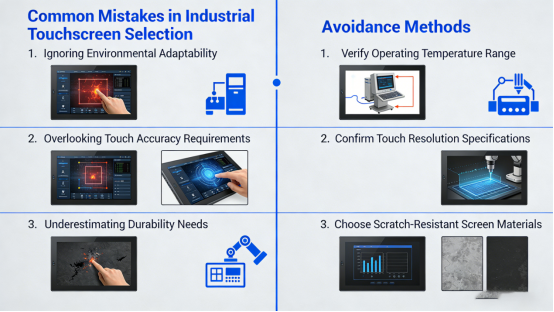
The most common mistake is mismatching the touch screen type to the scenario. For example, using a QW-DR capacitive screen in a medical setting where operators wear gloves will result in unresponsive touches—capacitive screens typically require direct skin contact, making the QW-DZ resistive screen the better fit. Conversely, using a QW-DZ resistive screen in high-speed industrial control will lead to laggy operation, as its response time isn’t suited for fast-paced input.
Overlooking size compatibility is another frequent error. A 32-inch QW-DR screen is unnecessary for a small embedded device, wasting space and increasing costs, just as a 4.3-inch screen is insufficient for a large industrial control panel—making data hard to read and leading to operational errors. Always reference Jiangxi Qiwo’s product manual to match screen size to your equipment’s needs.
Ignoring interface compatibility can also be costly. Failing to verify that the touch screen’s interface (I2C/USB for QW-DR) matches your equipment’s system will result in integration failures, requiring additional adapters or complete replacement. This is easily avoidable by cross-referencing the product manual with your equipment’s specifications before purchase.
Neglecting environmental adaptability is another critical misstep. Using a touch screen not designed for high temperatures in a hot workshop will lead to performance degradation or failure, while a screen with low surface hardness will scratch easily in dusty environments—obscuring the display and disrupting operations. Following the product manual’s environmental guidelines ensures the touch screen can withstand your workplace conditions.
Finally, prioritizing price over quality is short-sighted. A low-cost, non-industrial-grade touch screen may save money upfront, but it will fail frequently, have a short service life, and require frequent replacement—driving up long-term maintenance costs. Jiangxi Qiwo’s industrial touch screens, while not the cheapest option, are engineered to meet industrial standards, ensuring stable operation and reducing replacement costs over time.
Conclusion: Choose the Right Touch Screen for Stable Industrial Operation
Industrial touch screens are a critical component of modern industrial equipment, and their performance directly impacts operational efficiency and equipment reliability. Choosing the right one requires focusing on your specific scenario, equipment requirements, and environmental conditions—rather than chasing advanced features or low prices.
Jiangxi Qiwo’s industrial touch screens—QW-DR projective capacitive and QW-DZ resistive models—are designed to meet the diverse needs of industrial applications, with strict adherence to product manual specifications. From fast-response capacitive screens for high-speed control to resistive screens for glove operation, there is a model tailored to every industrial scenario.
By avoiding common mistakes, aligning the touch screen with your equipment and scenario, and following the practical guidance outlined here—rooted in Jiangxi Qiwo’s product manual and real-world experience—you’ll select an industrial touch screen that ensures stable operation, reduces maintenance costs, and supports efficient industrial workflows. This article provides objective, fact-based guidance for industrial professionals—no promotions, no sales pitches, just the information you need to choose the right industrial touch screen.