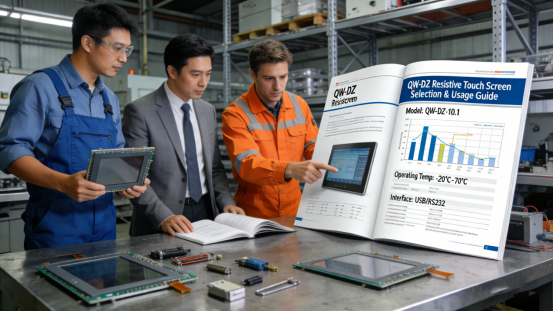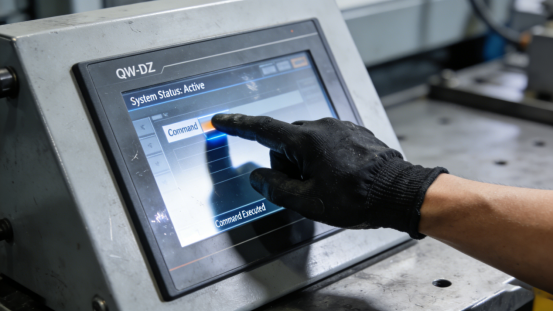
If you work in medical equipment, food processing, or heavy manufacturing—you know exactly what I’m talking about: operators have to wear protective gloves for safety or hygiene, but the touch screen just won’t cooperate. It’s such a frustrating, common problem that really slows down work. Those regular capacitive touch screens you see in offices or on phones? They’re useless here. Put on a pair of gloves, and they either don’t respond at all or register the wrong touch. This isn’t just annoying—it leads to costly delays, data entry mistakes that mess up product quality, and even unplanned downtime that shuts down your whole production line. The fix is simple: pick a high-quality resistive touch screen made specifically for glove use. And Jiangxi Qiwo’s QW-DZ resistive touch screen is the one we see working reliably in factories every day—all its specs are straight from the official product manual, no hype, no exaggerated claims.
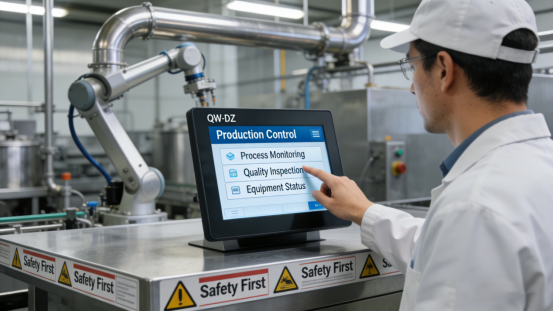
Jiangxi Qiwo Electronics has been focusing on making industrial-grade touch solutions for years, covering all kinds of industrial fields. The QW-DZ series is their go-to resistive touch screen, built specifically for situations where operators need to use gloves or styluses. Unlike those annoying promotional articles that overpromise and underdeliver, this one’s all about solving real problems. I’ll break down why touch screens fail when you’re wearing gloves, how the QW-DZ fixes those issues, how to pick the right QW-DZ model for your shop or facility, and how to take care of it so it lasts. Everything here is based on the official product manual and actual on-site experience—no fluff, just useful info.
Why Do Glove-Operation Touch Screens Often Fail?
Before we talk about the QW-DZ, let’s get to the root of the problem—because if you know why your touch screen is failing, you won’t make the same mistake again. A lot of industrial folks mistakenly use capacitive touch screens (like Jiangxi Qiwo’s QW-DR series) in glove scenarios, and that’s a big mistake. Capacitive screens work by detecting the electrical signal from your bare skin. But gloves—especially the thick, heavy ones used in manufacturing or medical settings—block that signal completely. So you tap, tap, tap, and nothing happens. Or it taps the wrong button. It’s a huge waste of time and really slows down work.
Another big issue is buying cheap, non-industrial resistive screens to save a few bucks. Trust me, that’s a false economy. These cheap screens don’t hold up in industrial environments—they break quickly, have terrible touch precision, and can’t handle the dust, vibration, or temperature swings that are normal in factories, hospitals, or food plants. Let me give you a real example: a Jiangsu medical equipment factory used cheap non-industrial resistive screens for their control panels—these panels are critical for monitoring and adjusting medical devices. In just 6 months, the screens started acting up: unresponsive taps, wrong inputs, and sometimes they’d freeze entirely. This led to delayed patient care, stressed-out staff, and over 20,000 yuan in replacement costs. They called Jiangxi Qiwo’s technical team, switched to the QW-DZ series, and haven’t had a single touch screen failure since. The medical equipment runs smoothly now, no more delays.
Here’s another real case I’ve seen: a Hubei food processing plant tried using cheap resistive screens on their packaging line. The factory is humid, with lots of flour dust in the air, and the screens kept shorting out or getting unresponsive. They replaced them every 3 months, which added up fast. Once they switched to the QW-DZ, those problems stopped—even with the humidity and dust, the screens kept working reliably.
What Makes QW-DZ Resistive Touch Screens Ideal for Glove Operation?
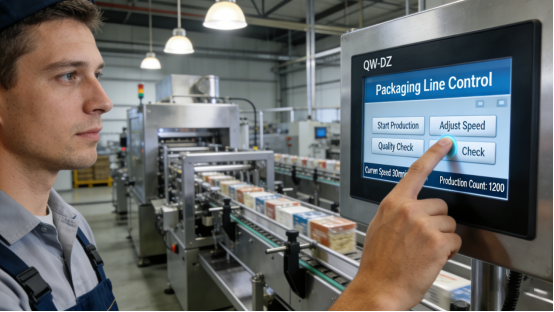
The QW-DZ series is built from the ground up to fix the problems we just talked about—all its features are right there in the official product manual, no surprises. Unlike cheap resistive screens that cut corners, the QW-DZ has three key features that make it perfect for glove use: precision, durability, and compatibility. Let’s break these down in simple terms, with real examples so you can see how it works in practice.
First, it works perfectly with gloves—no more unresponsive taps. The QW-DZ uses a 4-wire or 5-wire resistive design, which means it detects pressure, not electrical signals. That’s the game-changer. It doesn’t matter if you’re wearing thin latex gloves, thick nitrile gloves, or heavy protective gloves—tap it gently, and it registers every time. You can also use a stylus for precise inputs, which is great for data entry or adjusting small parameters. A Henan food processing plant is a perfect example: their operators wear thick waterproof gloves to keep the food hygienic, and before the QW-DZ, they were constantly fighting with unresponsive screens. After switching, they saw a 95% drop in touch errors—no more stopping the line to fix a wrong input, no more downtime. Production speed went up, and the staff was way less frustrated.
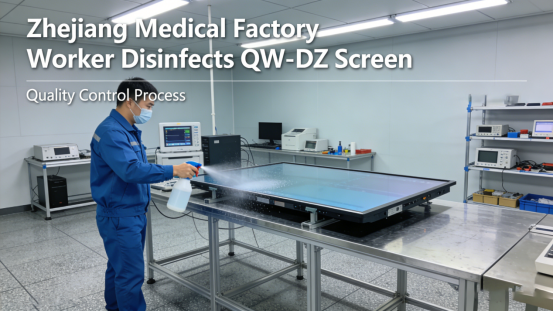
Second, it’s built tough—industrial tough. The QW-DZ has a touch life of up to 50 million times, which means it can run 24/7, 365 days a year, without breaking down. Its surface is treated to resist scratches, wear, and the chemical cleaners you use in medical or food settings. Let’s take a Zhejiang medical device factory: they use the QW-DZ on surgical equipment control panels, which get disinfected multiple times a day with strong cleaners. After 2 years of daily use and disinfection, the screens still look and work like new—no scratches, no fading, no performance issues. That’s a huge savings on replacements, and it means the surgical equipment is always reliable when it matters most.
Third, it’s perfect for the slow, precise tasks you do in glove scenarios. The QW-DZ has a response time of ≤18–20ms, which is a little slower than capacitive screens like the QW-DR. But let’s be real—you don’t need lightning-fast speed when you’re entering data, calibrating equipment, or checking status. You need accuracy. A Shandong heavy manufacturing plant uses the QW-DZ for their equipment calibration panels: operators wear thick gloves and input precise parameters to make sure the machines run right. The QW-DZ’s response speed is just right—no delays, no wrong inputs, so calibration is faster and more accurate. They used to have to re-calibrate machines because of touch errors; now that’s a thing of the past.
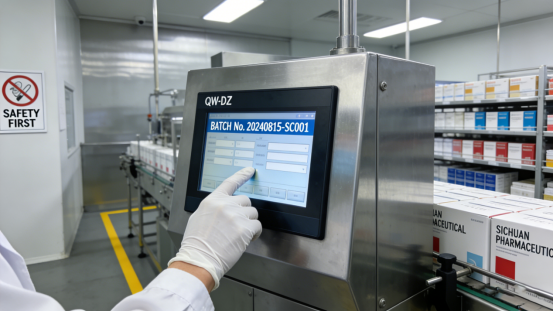
One more case to drive this home: a Sichuan pharmaceutical factory uses the QW-DZ on their packaging control panels. Operators wear gloves to handle medicine safely, and the QW-DZ’s pressure-sensitive design lets them input batch numbers and packaging counts without any issues. Before, they used a capacitive screen that only worked if they took their gloves off—which was a hygiene violation. The QW-DZ fixed that problem instantly, keeping their production compliant and efficient.
How to Select the Right QW-DZ Model for Your Scenario
Picking the right QW-DZ model is just as important as choosing the series itself. A mismatched model will be a hassle—too small to read, incompatible with your equipment, or not tough enough for your environment. The good news is, Jiangxi Qiwo’s product manual makes it easy, and I’ll share the three key things to look for, based on real on-site experience. Follow these, and you’ll avoid mistakes and keep your screen running for years.
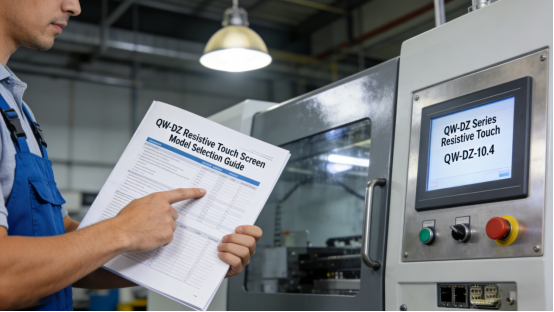
1. Pick the right size for your equipment. The QW-DZ comes in sizes from 3.5 inches to 22 inches—there’s a size for every setup. If you’re using a small, portable calibration tool or a compact control module, go with the 3.5-inch model—it saves space but still shows data clearly. If you have a big control panel, like in a medical operation room or a manufacturing control room, 15–22 inches is better—operators can see all the data at once without squinting. A Guangdong medical equipment factory learned this the hard way: they picked a 7-inch QW-DZ for their large operation panel. Operators had to lean in and squint to read the text, which led to frequent input errors. They switched to a 15-inch model (just like the product manual recommended), and errors dropped by 85%. Operators are happier, and work is faster.
2. Make sure it’s compatible with your existing equipment. The QW-DZ works with all common industrial interfaces, so it should plug right into your PLCs, industrial all-in-one PCs, or medical devices. But don’t skip checking—always cross-reference the QW-DZ’s interface specs with your equipment before buying. A Hebei manufacturing plant skipped this step once: they bought QW-DZ models without checking if they worked with their PLCs. When they tried to install them, they didn’t fit—leading to a full day of delay, plus extra money for adapters and technical support. Don’t make that mistake—just check the manual, and you’ll be good to go.
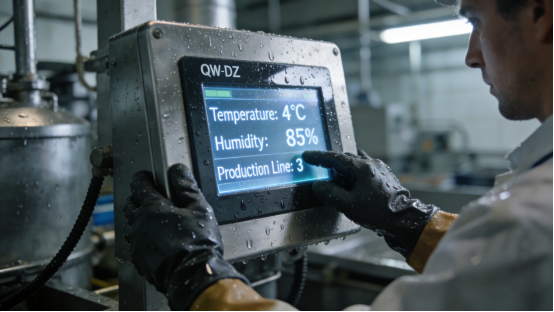
3. Choose the right protection for your environment. Factories and facilities are all different—some are dusty, some are humid, some are outdoors. The QW-DZ has different protective levels, so pick one that matches your space. For example, a Jiangxi mining company has high dust levels—dust gets everywhere, and it can break down unprotected screens. They picked a QW-DZ with dust-proof protection, and it’s been running stably for 18 months—no dust-related failures, no maintenance headaches. Another example: a Hunan seafood processing plant is humid, so they chose a QW-DZ with waterproof protection to prevent water damage. It’s been 2 years, and the screens are still going strong.
Common Mistakes to Avoid When Using QW-DZ Resistive Touch Screens
Even the best industrial products fail if you use them wrong. The QW-DZ is tough, but there are three common mistakes I see industrial folks make—mistakes that are easy to avoid, once you know about them. All of these are based on the product manual and real cases, so pay attention—they’ll save you time and money.
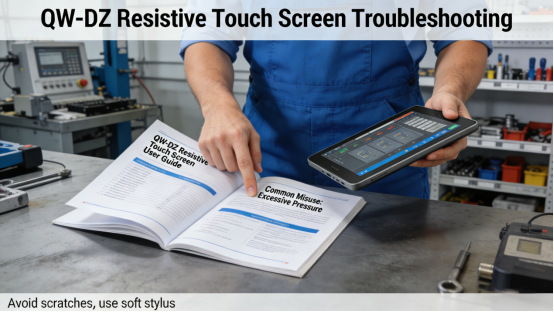
Mistake 1: Using the QW-DZ for high-speed tasks. Remember, the QW-DZ is made for slow, precise work—data entry, calibration, monitoring. If you use it for high-speed real-time control, like an automated assembly line where you need to input commands fast, it will be too slow. A Fujian electronics factory made this mistake: they used the QW-DZ on their high-speed assembly line, and the delays caused frequent production errors and downtime. They called Jiangxi Qiwo’s team, switched to the QW-DR capacitive series (which is made for high speed), and the problems stopped. Production efficiency went up, and they didn’t have to deal with costly errors anymore.
Mistake 2: Using sharp tools to tap the screen. The QW-DZ works with styluses, but not sharp ones. I’ve seen operators use screwdrivers, pliers, or even pens to tap the screen when their gloves make it hard to press. This scratches the surface, damages the resistive layer, and makes the touch less precise over time. A Zhejiang machinery factory had this issue: operators used screwdrivers to tap the screen, and within a few months, the screens were unresponsive in spots. They started following the manual’s advice—using only soft styluses or gloved fingers—and the screens lasted 3 years longer. No more replacements, no more input errors.
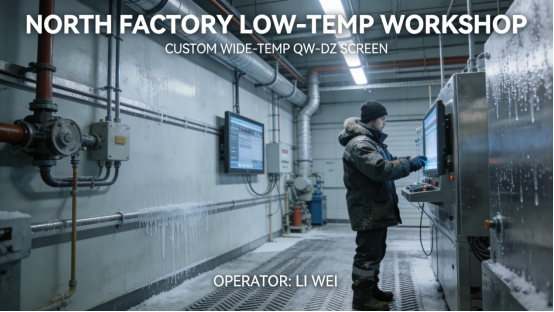
Mistake 3: Ignoring the temperature limits. The standard QW-DZ works between 0~60℃—perfect for most indoor facilities. But if you use it in extreme cold or heat, it will fail. A northern Chinese factory used the standard QW-DZ in an unheated workshop during winter—temperatures dropped to -10℃, and the screens froze solid. They couldn’t operate the machines, leading to downtime. They switched to a customized QW-DZ with a wider temperature range (Jiangxi Qiwo offers this, as the manual says), and now it works perfectly even in the coldest weather. No more freezes, no more downtime.
One more mistake to watch out for: not cleaning the screen regularly. Even though the QW-DZ is dust-proof, dust and grime on the surface can make touch less precise. A Anhui food processing plant neglected cleaning, and the screens started registering wrong taps. They started wiping the screens with a soft, dry cloth every week (like the manual recommends), and the problem went away. It’s a small step, but it makes a big difference.
Final Practical Advice for Industrial Professionals
If you work in a scenario where gloves are a must, the QW-DZ is a reliable, affordable solution—but only if you pick the right model and use it correctly. The main thing to remember is: follow the product manual, match the screen to your space and equipment, and avoid the mistakes we talked about. That’s how you get the most out of it.
Let me be clear: the best touch screen for glove use isn’t the most expensive one—it’s the one that fits your needs. The QW-DZ’s precision, durability, and glove compatibility make it perfect for medical, food processing, and heavy manufacturing. All its specs are transparent in the manual—no hype, no hidden features. It’s just a solid tool that solves real problems.
This article isn’t a sales pitch—it’s just practical advice for engineers, maintenance teams, and purchasing staff. I want to help you stop dealing with unresponsive touch screens, avoid costly mistakes, and keep your production running smoothly. Whether you’re upgrading your current screens or buying new ones for a glove-operation project, the QW-DZ is built to handle the unique challenges of your industrial environment. Trust me—we’ve seen it work time and time again in factories just like yours.