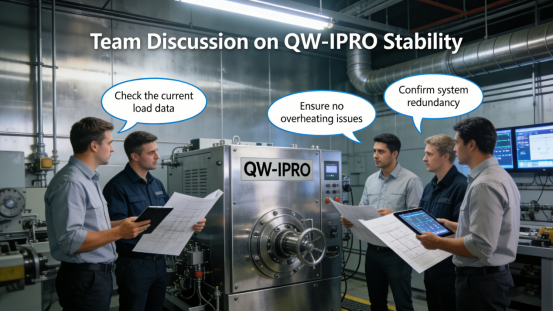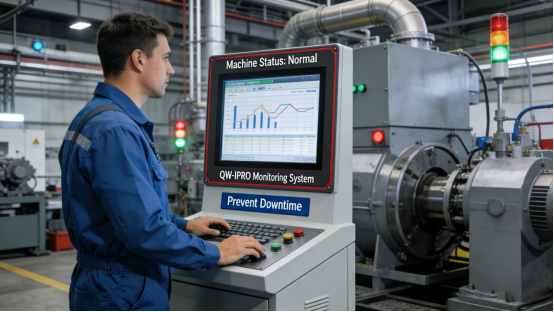
If you’re an industrial engineer, maintenance guy, or purchasing staff, you’ve definitely dealt with this headache: your factory’s control equipment keeps crashing, freezing, or shutting down for no reason. It’s not just annoying—it stops production cold, wastes time, and costs your company money. You might have tried cheap all-in-one PCs or even office-grade ones, but they just can’t handle the harsh factory environment. The solution isn’t to buy the most expensive equipment—it’s to pick one built specifically for industrial use. Enter Jiangxi Qiwo’s QW-IPRO industrial all-in-one PC: it’s designed to fix those crash problems, all specs are straight from the official product manual, no hype, just real reliability.
First, let’s keep it real: Jiangxi Qiwo Electronics has been making industrial display and control solutions for years, focusing on practicality and durability. The QW-IPRO series is one of their core industrial all-in-one PCs, made for 24/7 non-stop operation in factories, workshops, and industrial sites. This article isn’t a sales pitch—we’re gonna talk about why your current industrial all-in-one keeps crashing, how the QW-IPRO fixes that, how to pick the right QW-IPRO model for your factory, and how to avoid common mistakes that shorten equipment life. Everything here is based on the product manual and real factory cases—stuff you can actually use.
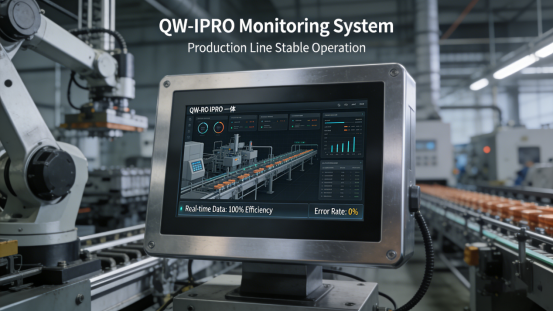
Why Do Industrial All-in-One PCs Keep Crashing?
Before we dive into the QW-IPRO, let’s figure out why your current setup is failing. It’s usually one of two things—and both are easy to fix once you know. First, you’re using office-grade all-in-one PCs in a factory. Office PCs are made for clean, cool offices with 9-to-5 use—they can’t handle dust, vibration, or constant 24/7 running. Second, you’re using cheap industrial all-in-ones that cut corners on parts—their motherboards, cooling systems, and ports are low-quality, so they crash under pressure.
Let me give you a real example: a Zhejiang auto parts factory used office all-in-one PCs for their assembly line control. Within a month, the PCs started overheating and crashing—especially in summer, when the workshop hit 55℃. Every crash meant 2–3 hours of downtime, and they lost over 80,000 yuan in a single month. They tried cheap industrial all-in-ones next, but those kept having port failures—they couldn’t connect to PLCs and sensors reliably. Finally, they switched to Jiangxi Qiwo’s QW-IPRO, and the crashes stopped. No more overheating, no more port issues—production has been smooth for 14 months straight.
Another case: a Fujian electronics factory used a no-name industrial all-in-one for their quality control system. It crashed at least once a week, messing up test data and forcing them to recheck products. They spent hours troubleshooting, and replacement parts were hard to find. After switching to the QW-IPRO, they haven’t had a single crash—even with 24/7 operation. The maintenance team’s workload dropped by half, and they saved money on replacements.
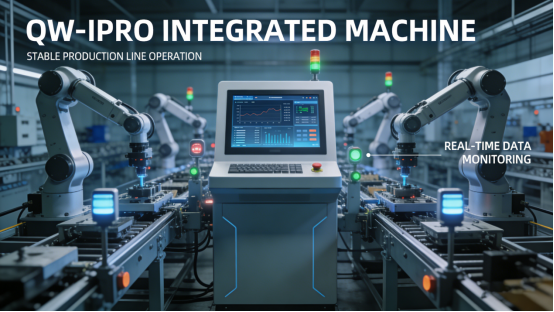
What Makes QW-IPRO Industrial All-in-One PCs Crash-Proof?
The QW-IPRO isn’t just a “fancier” all-in-one—it’s built from the ground up to handle industrial chaos, and all its features are right there in the product manual. Let’s break down the three things that make it crash-proof, with real factory examples so you can see it in action.
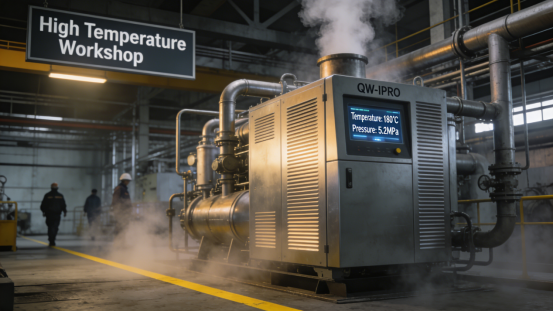
First, industrial-grade cooling and temperature resistance. The QW-IPRO has a built-in industrial cooling system—way better than the tiny fans in office PCs. It can run smoothly in temperatures from -10℃ to 60℃, which covers almost every factory environment. A Shandong chemical factory has workshops that hit 60℃ in summer, and the QW-IPRO runs 24/7 without overheating. Before, their old all-in-one would shut down every afternoon—now, it’s rock solid. The product manual says it’s designed for high-temperature environments, and that’s exactly what they’re getting.
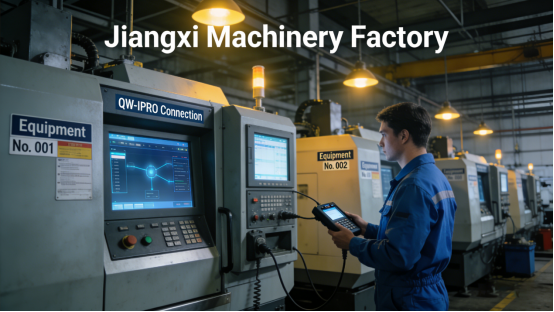
Second, high-quality industrial motherboard and stable ports. The QW-IPRO uses an industrial-grade motherboard that’s built to handle constant use and vibration—no more random crashes from loose connections. It also has multiple COM ports (RS232/RS485) and dual LAN ports, so you can connect all your PLCs, sensors, and printers without adapters. Adapters are a big cause of crashes, by the way—they add extra failure points. A Jiangxi machinery factory uses the QW-IPRO to connect 6 sensors and 2 PLCs, and it’s never had a port failure. Their old all-in-one had only 2 COM ports, so they used adapters—and crashes were daily. The QW-IPRO fixed that instantly.
Third, dust-proof and vibration-resistant design. Factories are dusty and bumpy—office PCs can’t handle that, and cheap industrial ones don’t seal well. The QW-IPRO has a sealed case that keeps dust out of the internal parts, and it’s built to resist vibration from machines. A Hubei mining factory uses the QW-IPRO for their outdoor monitoring station—dust is everywhere, and the machines vibrate constantly. The QW-IPRO has been running for 18 months without a single issue. The product manual says it’s dust-proof and vibration-resistant, and that’s proven in real use.
How to Pick the Right QW-IPRO Model for Your Factory
Picking the right QW-IPRO model is easy—just follow three simple steps, straight from the product manual and real factory experience. You don’t need to be a tech expert—just match it to your factory’s needs, and you’ll avoid mistakes.
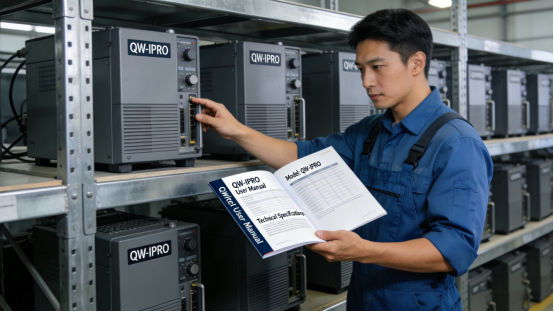
1. Match the screen size to your control panel. The QW-IPRO comes in sizes from 10.1 inches to 21.5 inches. If you have a small control cabinet, go with 10.1–15.6 inches—saves space but still shows data clearly. If you have a large monitoring station or assembly line control panel, 17–21.5 inches is better—operators can see all the data at once without squinting. A Guangdong packaging factory picked a 15.6-inch QW-IPRO for their control cabinet, and it fits perfectly. They tried a 21.5-inch model first, and it was too big—wasted space and was hard to install. The product manual recommends size based on cabinet space, and they should have checked that first (we’ve all been there).
2. Check the number of ports you need. Before buying, count how many devices you need to connect—PLCs, sensors, printers, scanners. The QW-IPRO has different port configurations: some have 4 COM ports, some have 8, plus dual LAN ports. A Henan smart warehouse needs to connect 5 RFID readers and 3 barcode scanners, so they picked a QW-IPRO with 8 COM ports. No adapters needed, no crashes from loose connections. A different warehouse skipped this step, picked a 4-port model, and had to use adapters—crashes were common until they upgraded.
3. Choose the right installation method. The QW-IPRO supports embedded, wall-mounted, and cantilever installation—pick the one that fits your setup. Embedded is best for control cabinets, wall-mounted for on-site operation panels, and cantilever for flexible positions. A Zhejiang textile factory used embedded installation for their control cabinet, and it’s protected from dust and damage. They tried wall-mounted first, and the screen got hit by a machine part—costly repair. The product manual outlines all installation methods, so just pick the one that makes sense for your factory.

Common Mistakes to Avoid with QW-IPRO
The QW-IPRO is tough, but you can still mess it up if you don’t use it right. Here are three common mistakes we see factories make—easy to avoid, once you know about them.
Mistake 1: Using it in extreme temperatures without customization. The standard QW-IPRO runs from -10℃ to 60℃, but if your factory is colder than that (like northern China in winter) or hotter, you need a customized model. A Heilongjiang factory used the standard QW-IPRO in a workshop that hit -15℃ in winter—it froze and wouldn’t start. They got a customized QW-IPRO with a widened temperature range (-20℃ to 60℃), and now it works perfectly. The product manual says customization is available, so don’t be afraid to ask.
Mistake 2: Overloading the ports. The QW-IPRO has plenty of ports, but don’t connect more devices than it’s rated for. A Jiangsu electronics factory connected 10 devices to a 8-port QW-IPRO, and it started crashing. They removed two non-essential devices, and it ran smoothly. The product manual lists the maximum number of connected devices—just follow that.
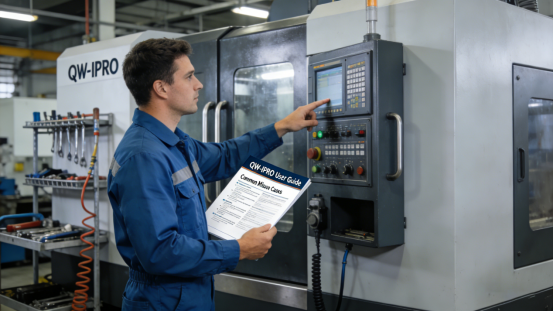
Mistake 3: Neglecting basic maintenance. Even the QW-IPRO needs a little care. Dust can build up on the cooling vents, which causes overheating. A Anhui food processing factory didn’t clean the vents for 6 months, and the QW-IPRO started overheating. They wiped the vents with a soft cloth (like the manual recommends), and it was back to normal. It’s a small step, but it keeps the device running longer.

Final Practical Tips for Factory Teams
At the end of the day, the QW-IPRO is a tool to make your life easier—not another thing to worry about. It’s not the most expensive industrial all-in-one, but it’s the most reliable for most factories. The key is to pick the right model, follow the product manual, and avoid the mistakes we talked about.
Remember: industrial equipment crashes aren’t inevitable. They happen because you’re using the wrong tool for the job. The QW-IPRO is built for factories—dust, vibration, high temperatures, 24/7 use. All its specs are transparent, no hidden features, no exaggerated claims. It’s just a solid, reliable device that does what it’s supposed to do.
This article is for you—engineers, maintenance teams, purchasing staff who are tired of dealing with crashes and downtime. We’re not here to sell you anything—we’re here to help you fix a real problem. If you’re tired of production stops, wasted time, and costly repairs, the QW-IPRO is worth a look. We’ve seen it work in factories just like yours, day in and day out.