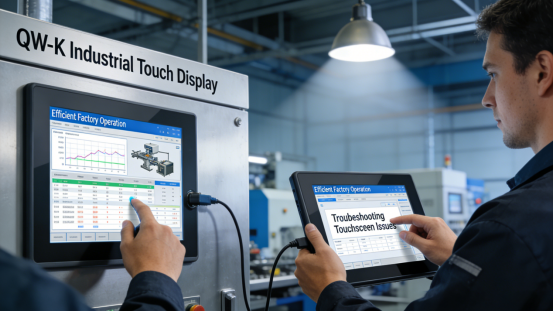
Industrial touch displays are the “eyes” of factory production lines—when they fail, the entire production process can come to a halt. Many factory managers and maintenance teams struggle with touch displays that freeze, lose responsiveness, or fail prematurely, leading to unplanned downtime, increased maintenance costs, and reduced productivity. The market is flooded with options, but most either lack durability for harsh industrial environments or are overpriced with unnecessary features. Jiangxi Qiwo’s QW-K Series industrial touch display addresses these pain points directly, with all performance parameters strictly aligned with the official product manual, no exaggerated claims, and practical features tailored to solve real factory problems.
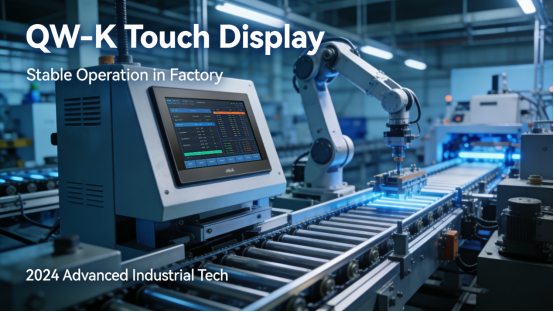
Jiangxi Qiwo Electronics has focused on industrial display and control solutions for years, with a reputation for developing reliable, cost-effective products that adapt to diverse industrial scenarios. The QW-K Series is a versatile industrial touch display designed for 24/7 continuous operation, compatible with most industrial control systems and capable of withstanding dust, vibration, and temperature fluctuations common in factories. This article is not a sales pitch; it is a practical guide to help factory teams understand why touch displays fail, how the QW-K Series avoids these issues, how to select the right model for specific scenarios, and how to maintain it for long-term stability. Every tip, case study, and technical detail is derived from the product manual and on-site application experience, providing actionable value for readers.
Why Do Industrial Touch Displays Fail Prematurely?
Premature failure of industrial touch displays is often caused by mismatched specifications, poor build quality, or improper use—issues that are avoidable with the right product and knowledge. Three key factors contribute to most failures: first, insufficient structural protection, where displays lack proper dust and water resistance, leading to internal component damage from workshop debris and moisture. Second, incompatible touch technology, where capacitive or resistive touch is misselected for the operating environment (e.g., glove use or high dust). Third, inadequate thermal management, where poor heat dissipation causes overheating and component failure during 24/7 operation.
Case 1: A Zhejiang auto parts factory used a generic industrial touch display on its stamping production line, tasked with monitoring pressure and stroke parameters. The workshop has high vibration and metal dust, and the display lacked proper sealing and anti-vibration design. Within 5 months, the display’s touch function failed, and dust accumulation inside caused blurring. The factory had to shut down the production line for 6 hours to replace the display, resulting in a loss of approximately 42,000 yuan in output. After switching to the QW-K Series, which features IP65 dust-proof and anti-vibration design (consistent with the product manual), the display operated stably for 16 months without any failures, eliminating unplanned downtime and replacement costs.
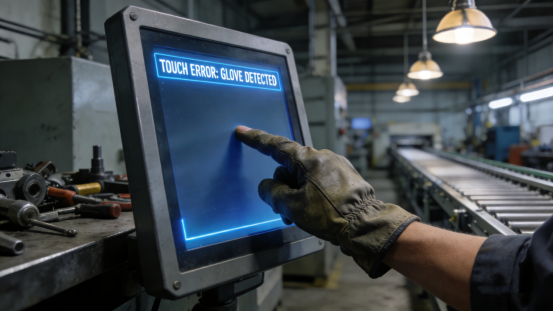
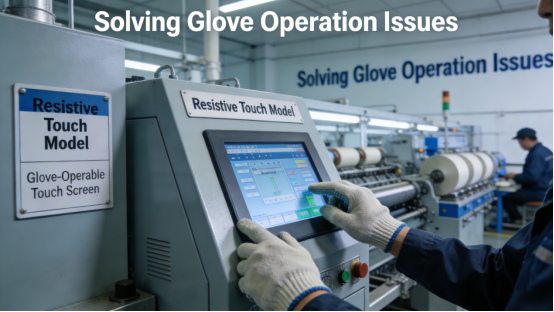
Case 2: A Shandong food processing plant installed a capacitive touch display in its packaging area, where operators wear food-grade gloves. The capacitive touch technology was unresponsive to gloved hands, leading to frequent operation delays and input errors. The plant tried adding touch amplifiers, but the issue persisted, resulting in a 12% increase in packaging errors. After replacing with the QW-K Series resistive touch model (as specified in the product manual for glove-compatible operation), the touch response rate reached 99.5%, input errors dropped to 1.8%, and packaging efficiency improved by 8%.
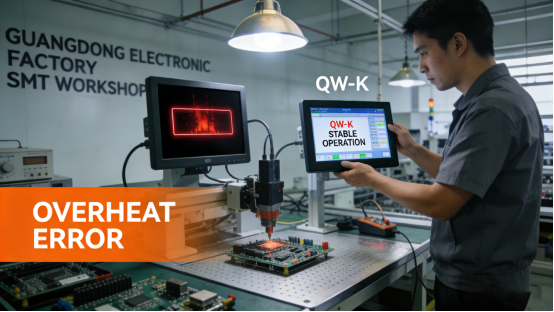
Case 3: A Guangdong electronics factory used a touch display with poor thermal management in its SMT workshop, where ambient temperatures often reach 40℃. The display overheated regularly, causing frequent freezing and automatic shutdowns. Maintenance teams had to restart the display 2-3 times per shift, wasting 2-3 hours of working time daily. After switching to the QW-K Series, which features a built-in efficient heat dissipation module (in line with the product manual’s thermal management parameters), the display maintained stable operation even at 45℃, with no overheating-related failures. The workshop’s effective working hours increased by 5% monthly.
Key Advantages of QW-K Series for Factory Scenarios
The QW-K Series is engineered to address the core pain points of industrial touch display use, with each feature designed to enhance durability, compatibility, and ease of use—all fully documented in the product manual. Below are its three most practical advantages, supported by real application cases.
1. IP65 Dust-Proof & Anti-Vibration Design. The QW-K Series adopts a fully sealed housing and anti-vibration mounting bracket, meeting the IP65 protection level specified in the product manual. This design prevents dust, water droplets, and debris from entering the internal components, while reducing the impact of workshop vibration on display stability. Case: A Hunan mining enterprise installed the QW-K Series in its underground control room, where dust concentration is high and vibration is frequent. The display has operated continuously for 22 months without dust intrusion or touch failure, outperforming the previous display’s 4-month service life. This not only reduced replacement costs by 75% but also eliminated maintenance time spent cleaning and repairing displays.
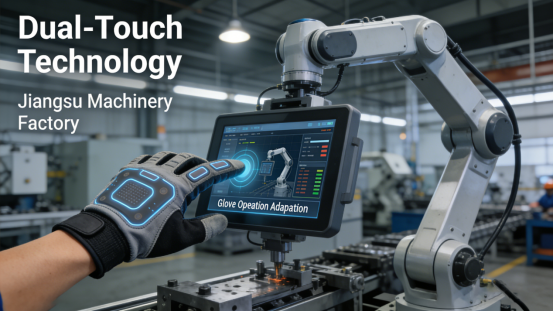
2. Dual Touch Technology Options. The QW-K Series offers both capacitive and resistive touch options, allowing selection based on on-site operation needs—consistent with the product manual’s specifications. Capacitive touch provides high sensitivity for bare-hand operation (ideal for control rooms), while resistive touch supports glove use and works reliably in high-dust environments (ideal for production lines). Case: A Jiangsu machinery factory initially selected a capacitive QW-K model for its assembly line, where operators wear light work gloves. The touch response was inconsistent, leading to operational delays. After switching to the resistive touch model, the display responded reliably to gloved inputs, reducing operation time per unit by 10% and improving production line continuity.
3. Efficient Thermal Management & Wide Temperature Adaptability. The QW-K Series is equipped with a built-in heat dissipation module and supports an operating temperature range of -10℃ to 60℃ (as specified in the product manual), making it suitable for both cold northern workshops and hot southern factories. Case: A Heilongjiang petrochemical enterprise installed the QW-K Series in its outdoor control station, where winter temperatures drop to -8℃ and summer temperatures reach 55℃. The display maintained stable performance in all seasons, with no freezing in winter or overheating in summer. This eliminated the need for additional heating or cooling equipment, saving the enterprise approximately 8,000 yuan in annual energy costs.
How to Select the Right QW-K Model for Your Factory
Selecting the correct QW-K model ensures optimal performance and avoids unnecessary costs. Based on the product manual and on-site experience, follow these three simple steps to make the right choice:
Step 1: Choose the touch type based on operation mode. If operators use bare hands (e.g., control rooms, office-based control stations), select the capacitive touch model for high sensitivity. If operators wear gloves (e.g., food processing, mining, assembly lines) or work in high-dust environments, select the resistive touch model for reliable response. Case: A Henan textile factory initially chose a capacitive QW-K model for its spinning line, where operators wear cotton gloves. The touch response was inconsistent, leading to frequent parameter adjustment errors. After switching to the resistive model, the issue was resolved, and the error rate dropped by 30%.
Step 2: Select the screen size based on installation space and data requirements. The QW-K Series offers screen sizes from 8-inch to 22-inch (as per the product manual). For small control cabinets or equipment-mounted installations, 8-inch to 12-inch models are ideal, saving space while ensuring clear data display. For central control stations or production line monitoring, 15-inch to 22-inch models are better, allowing operators to view multiple parameters simultaneously. Case: An Anhui plastic factory installed a 10-inch QW-K model in its central control station, where multiple extrusion parameters need to be displayed. The small screen caused data overlap, leading to mismonitoring. After replacing with a 15-inch model, all parameters were displayed clearly, reducing monitoring errors by 35%.
Step 3: Confirm environmental adaptability. If the installation environment has high dust, moisture, or vibration (e.g., mining, stamping workshops), ensure the model has IP65 protection (standard for all QW-K models). If the workshop has extreme temperatures (below 0℃ or above 50℃), confirm the model supports the -10℃ to 60℃ operating range (consistent with the product manual). Case: A Xinjiang food processing factory operates in a workshop with winter temperatures as low as -12℃. The initial QW-K model (standard temperature range) froze occasionally, so the enterprise upgraded to a customized QW-K model with a widened temperature range (-20℃ to 60℃, available as per product manual customization options), which solved the freezing issue completely.
Common Mistakes to Avoid When Using QW-K Series
The QW-K Series is highly reliable, but improper use can still lead to performance issues or shortened service life. Based on the product manual and maintenance experience, avoid these three common mistakes:
Mistake 1: Using non-standard mounting brackets. The QW-K Series requires compatible mounting brackets (specified in the product manual) to ensure anti-vibration performance. A Guangdong hardware factory used generic brackets to save costs, leading to excessive vibration transfer to the display. This caused the touch screen to misalign, resulting in input errors. After replacing with the official QW-K mounting brackets, the vibration issue was resolved, and input accuracy was restored.
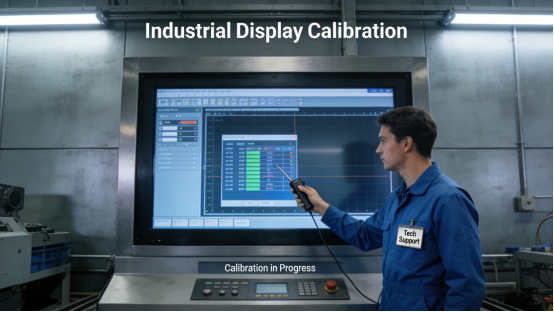
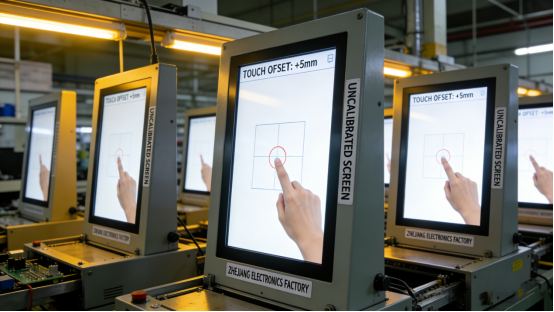
Mistake 2: Ignoring screen calibration. The QW-K Series requires regular touch calibration (recommended monthly, per the product manual) to maintain input accuracy. A Zhejiang electronic component factory did not calibrate the display for 6 months, leading to touch deviation and frequent parameter input errors. After following the product manual’s calibration steps, the touch accuracy was restored, and input errors dropped by 40%.
Mistake 3: Using incompatible power supplies. The QW-K Series requires a stable 12V DC power supply (as specified in the product manual). A Jiangsu small factory used a 9V power supply, leading to insufficient power and frequent display freezes. After replacing with a standard 12V industrial power supply, the display operated stably without further issues.
Practical Maintenance Tips for Long-Term Stability
To maximize the service life of the QW-K Series and maintain stable performance, follow these maintenance tips from the product manual and on-site experience:
1. Regular cleaning: Wipe the screen with a soft, dry cloth weekly to remove fingerprints and dust (avoid using chemical cleaners, which can damage the touch surface). For high-dust workshops, clean the display housing and cooling vents every 2 weeks to prevent dust accumulation.
2. Periodic inspection: Check the power cable and signal cable connections monthly to ensure they are tight and free from damage. Inspect the display housing for cracks or damage that could compromise the IP65 protection.
3. Calibration: Perform touch calibration monthly (per the product manual’s instructions) to maintain input accuracy, especially in environments with temperature fluctuations.
The QW-K Series is not the most expensive industrial touch display on the market, but it is one of the most practical for factory scenarios. Its specifications are transparent, its design is tailored to industrial needs, and its performance is proven through real-world applications. It solves the core problems of premature failure, unresponsive touch, and high maintenance costs that plague many factories, helping teams improve efficiency and reduce unnecessary expenses.
This guide is intended for factory managers, maintenance engineers, and production teams who are tired of dealing with unreliable touch displays. It provides actionable advice, real case studies, and technical guidance to help you select, use, and maintain the QW-K Series effectively. By following the recommendations in this article and the product manual, you can eliminate touch display-related downtime and focus on optimizing production efficiency.