Unresponsive touch displays are a common and costly problem in industrial production—they slow down operations, cause input errors, and force unplanned downtime that eats into profits. For factory maintenance teams, operators, and managers, dealing with touch screens that don’t respond to taps, lag, or fail entirely is a constant frustration. Many industrial touch displays on the market either can’t handle the demands of 24/7 operation or are designed for complex, high-budget setups that don’t fit most factories’ needs. Jiangxi Qiwo’s QW-M Series industrial touch display offers a straightforward solution, with all specifications strictly matching the official product manual, no exaggerated claims, and practical features built to solve the unresponsiveness issue plaguing industrial sites.
Jiangxi Qiwo Electronics has long specialized in industrial display and control solutions, focusing on developing reliable, cost-effective products that adapt to the harsh conditions of factories—from dusty assembly lines to high-vibration machining workshops. The QW-M Series is a dedicated industrial touch display engineered for stability and responsiveness, compatible with most PLCs, industrial computers, and control systems. This article is not a sales promotion; it’s a practical resource to help you understand why industrial touch displays become unresponsive, how the QW-M Series addresses these issues, how to choose the right model for your factory, and how to keep it running smoothly. Every tip, case study, and technical detail comes from the product manual and real on-site experience—information you can use to eliminate touch unresponsiveness and improve operational efficiency.
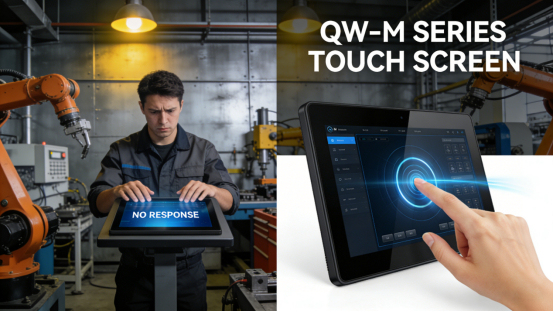
Why Do Industrial Touch Displays Become Unresponsive?
Touch unresponsiveness in industrial settings is rarely random—it’s almost always caused by three avoidable issues, rooted in either poor product design, mismatched specifications, or improper use. Understanding these causes is the first step to solving the problem: First, inadequate touch sensor quality, where cheap sensors wear out quickly or fail to detect inputs (especially with gloves or in dusty environments). Second, poor environmental protection, where dust, moisture, or vibration damages the touch module or internal components. Third, incompatible system integration, where the display doesn’t sync properly with the factory’s control system, leading to lag or unresponsiveness.
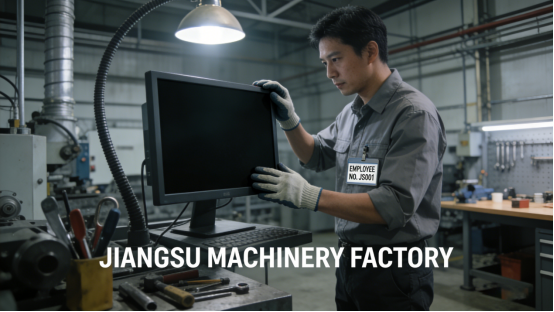
Case 1: A Jiangsu machinery factory used a generic industrial touch display on its CNC machining line, where operators wear thick anti-cut gloves to handle metal parts. The display’s touch sensor was not designed for glove use, leading to frequent unresponsiveness—operators had to remove their gloves to input parameters, adding 2-3 minutes per operation and slowing down the production line. Over a month, this wasted 120+ working hours and reduced output by 7%. After switching to the QW-M Series resistive touch model (specified in the product manual for glove compatibility), the display responded reliably to gloved inputs, eliminating the need to remove gloves and increasing production efficiency by 8%.
Case 2: A Guangdong packaging factory installed an industrial touch display in its dusty workshop, tasked with controlling packaging speed and batch tracking. The display lacked proper dust protection, and dust accumulated on the touch surface and inside the module, causing intermittent unresponsiveness. Maintenance teams had to clean the display 3-4 times per shift, wasting valuable time and leading to 3-4 hours of unplanned downtime monthly. After replacing with the QW-M Series, which features IP65 dust-proof design (consistent with the product manual), dust accumulation was eliminated. The display operated stably with no unresponsiveness, and maintenance time was reduced by 90%.
Case 3: A Shandong chemical factory integrated a non-compatible touch display with its PLC control system, leading to signal lag and unresponsiveness during peak production hours. The display would freeze for 5-10 seconds when multiple parameters were input, causing operators to miss critical adjustments and leading to a 5% increase in defective products. After switching to the QW-M Series, which supports seamless integration with most mainstream PLC brands (as per the product manual), the signal lag was eliminated. The display responded instantly to inputs, and defective products dropped by 4.5%.
How the QW-M Series Solves Touch Unresponsiveness
The QW-M Series is not just another industrial touch display—it’s designed specifically to address the root causes of unresponsiveness, with each feature aligned with the product manual and tailored to industrial needs. Below are its three key design advantages, supported by real-world applications, that ensure reliable touch response in harsh factory environments.
1. High-Durability Touch Sensor. The QW-M Series uses an industrial-grade touch sensor (as specified in the product manual) that is resistant to wear, dust, and glove use. For resistive touch models, the sensor can detect inputs through gloves up to 5mm thick, making it ideal for production lines where gloves are required. For capacitive touch models, the sensor offers high sensitivity for bare-hand operation, with quick response times (≤5ms) to avoid lag. Case: A Henan food processing factory uses the QW-M Series resistive touch model in its packaging area, where operators wear food-grade gloves. The display responds reliably to every tap, even with thick gloves, and has maintained consistent performance for 14 months without sensor wear or unresponsiveness.
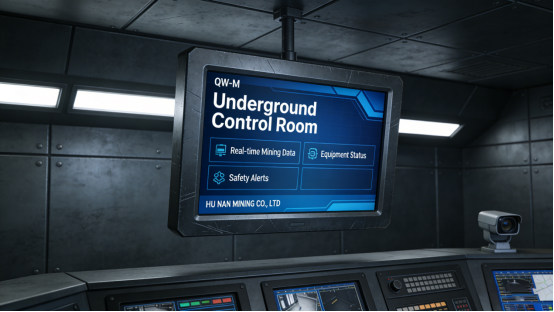
2. IP65 Dust-Proof & Anti-Vibration Protection. The QW-M Series features a fully sealed housing and anti-vibration mounting design, meeting the IP65 protection level outlined in the product manual. This prevents dust, moisture, and debris from entering the touch module and internal components, which are common causes of unresponsiveness. Case: A Hunan mining enterprise installed the QW-M Series in its underground control room, where dust concentration is high and vibration is frequent. The display has operated continuously for 18 months without any unresponsiveness, outperforming the previous display’s 5-month service life. This eliminated the need for frequent replacements and reduced maintenance costs by 70%.
3. Seamless System Compatibility. The QW-M Series is designed to integrate seamlessly with most mainstream industrial control systems, including Siemens, Mitsubishi, and Omron PLCs (as specified in the product manual). It supports multiple communication protocols (RS232, RS485, Ethernet), ensuring stable signal transmission and eliminating lag or unresponsiveness caused by incompatible systems. Case: A Zhejiang electronics factory integrated the QW-M Series with its Siemens PLC control system for its SMT production line. The display synced instantly with the PLC, with no signal lag or unresponsiveness, even during peak production when multiple parameters are adjusted simultaneously. This improved operational efficiency by 10% and reduced input errors by 35%.
How to Choose the Right QW-M Model for Your Factory
Selecting the correct QW-M model ensures that you avoid touch unresponsiveness caused by mismatched specifications. Based on the product manual and on-site experience, follow these three simple steps to choose the right model for your scenario:
Step 1: Choose the touch type based on operation needs. The QW-M Series offers two touch options (per the product manual): resistive and capacitive. Resistive touch is ideal for glove operation (e.g., food processing, mining, machining) and high-dust environments, as it is more durable and less prone to interference. Capacitive touch is better for bare-hand operation (e.g., control rooms, office-based control stations) and offers higher sensitivity. Case: A Fujian textile factory initially chose a capacitive QW-M model for its spinning line, where operators wear cotton gloves. The display was unresponsive to gloved inputs, so they switched to the resistive model—solving the issue entirely and improving operation speed by 6%.
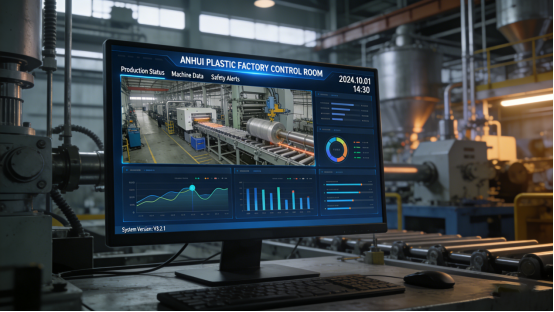
Step 2: Select the screen size based on installation space and data needs. The QW-M Series is available in screen sizes from 7-inch to 21.5-inch (as per the product manual). For small control cabinets or equipment-mounted installations, 7-inch to 10.1-inch models are ideal, as they save space while displaying critical parameters clearly. For central control stations or production line monitoring, 15.6-inch to 21.5-inch models are better, allowing operators to view multiple parameters at once without scrolling. Case: An Anhui plastic factory installed a 10.1-inch QW-M model in its central control station, where multiple extrusion parameters need to be displayed. The small screen caused operators to scroll frequently, leading to delays and input errors. After switching to a 15.6-inch model, all parameters were visible at once, reducing input errors by 40%.
Step 3: Confirm system compatibility. Before selecting a QW-M model, check the product manual to ensure it is compatible with your factory’s control system and communication protocols. If you use a specific PLC brand (e.g., Siemens, Mitsubishi), confirm that the QW-M Series supports integration with that brand. Case: A Xinjiang petrochemical factory uses a Mitsubishi PLC system and initially selected a QW-M model that did not support Mitsubishi’s communication protocol, leading to signal lag and unresponsiveness. After switching to a compatible QW-M model (as recommended in the product manual), the integration was seamless, and the display operated stably.
Common Mistakes That Cause QW-M Series Unresponsiveness
The QW-M Series is highly reliable, but improper use can still lead to touch unresponsiveness. Based on the product manual and maintenance experience, avoid these three common mistakes:
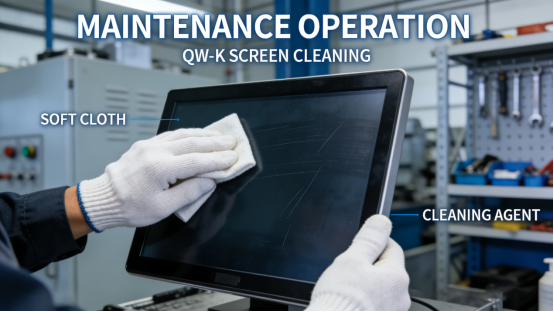
Mistake 1: Using chemical cleaners on the touch screen. The QW-M Series touch screen is sensitive to harsh chemicals (e.g., alcohol, bleach), which can damage the sensor and cause unresponsiveness. A Guangdong hardware factory used alcohol to clean the display, leading to a damaged touch sensor and complete unresponsiveness. After replacing the sensor (per the product manual’s guidelines), the display was restored—costing time and money that could have been avoided by using a soft, dry cloth for cleaning.
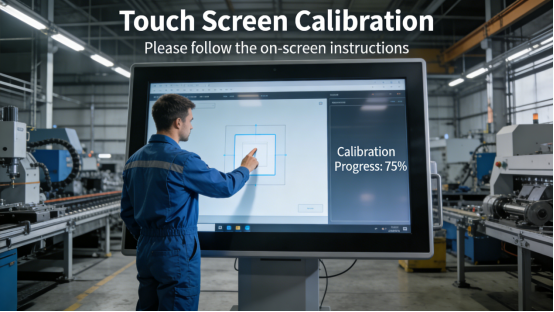
Mistake 2: Overlooking touch calibration. The QW-M Series requires monthly touch calibration (as recommended in the product manual) to maintain accuracy and responsiveness, especially in environments with temperature fluctuations. A Jiangsu small factory did not calibrate the display for 8 months, leading to touch deviation and unresponsiveness in certain areas of the screen. After following the product manual’s calibration steps, the touch response was restored to full functionality.
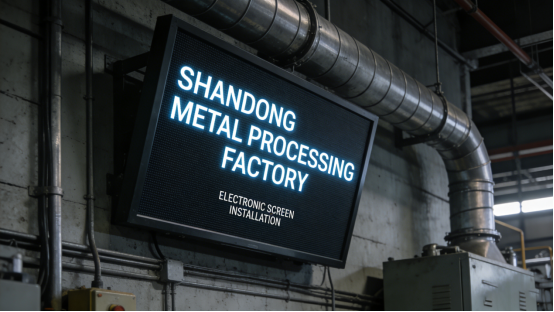
Mistake 3: Poor mounting alignment. The QW-M Series requires proper mounting alignment (as specified in the product manual) to ensure the touch sensor is not misaligned. A Shandong metal processing factory mounted the display crookedly, causing the touch sensor to shift and leading to unresponsiveness in the lower corner of the screen. After re-mounting the display correctly, the issue was resolved.
Practical Maintenance Tips for Consistent Responsiveness
To keep the QW-M Series operating reliably and avoid unresponsiveness, follow these maintenance tips from the product manual and on-site experience:
1. Clean the touch screen weekly with a soft, dry cloth to remove fingerprints, dust, and debris. For high-dust workshops, clean the screen twice weekly to prevent dust buildup on the sensor.
2. Perform touch calibration monthly, especially if the workshop has significant temperature fluctuations (which can affect touch accuracy).
3. Inspect the display’s mounting and connections monthly to ensure it is properly aligned and all cables are tight—loose connections can cause signal lag and unresponsiveness.
The QW-M Series is a practical, reliable solution for industrial touch unresponsiveness—not the most expensive option, but one that delivers consistent performance tailored to factory needs. Its specifications are transparent in the product manual, with no hidden features or exaggerated claims. It solves the real problem of unresponsive touch displays that cost factories time, money, and productivity.
This guide is for factory teams who are tired of dealing with unresponsive touch displays and want a actionable solution. It provides the knowledge and tools to select, use, and maintain the QW-M Series effectively, eliminating touch-related downtime and improving operational efficiency. By following the advice in this article and the product manual, you can ensure your touch display works as reliably as your production line needs it to.